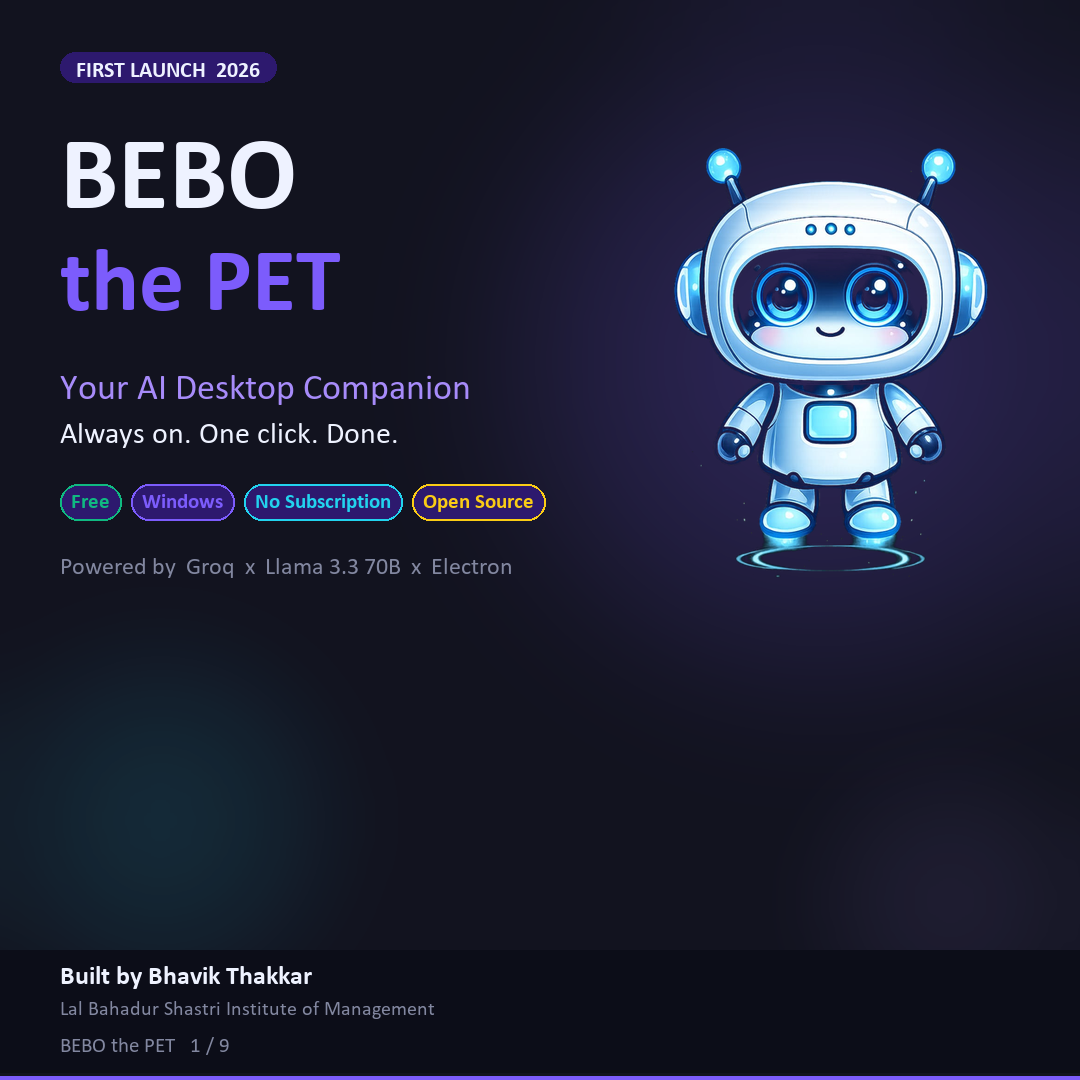
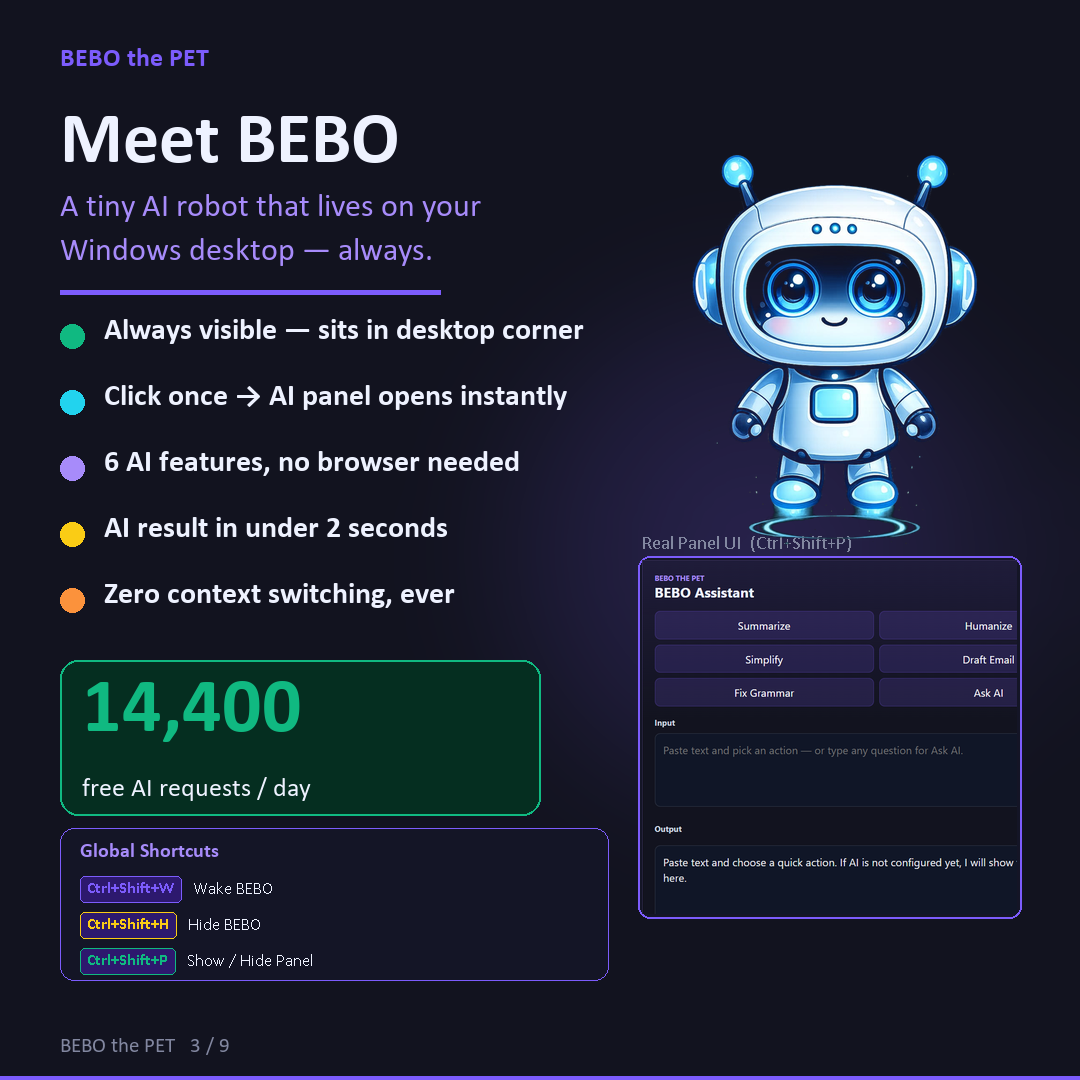
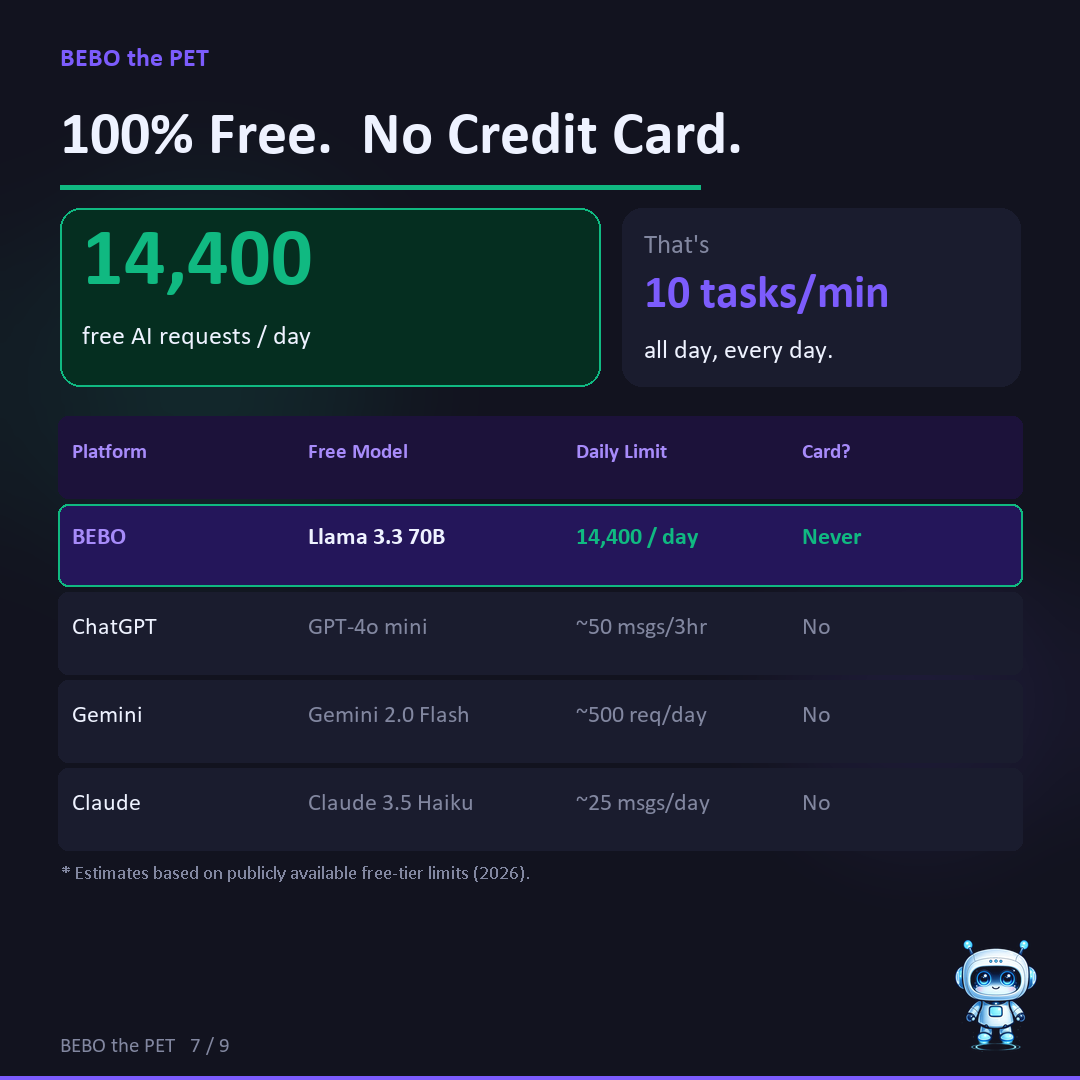
BEBO the PET is a free AI desktop assistant for Windows — a tiny animated robot that lives on your screen, powered by GPT-OSS 120B and Groq. One click. AI result in under 2 seconds. No browser. No subscription.
How It Works
No browser. No tab switching. No loading screens.
Always visible, always on top
Or press Ctrl+Shift+P anywhere
Right next to BEBO — no hunting
Summarize, email, grammar...
Copy and use. Done.
Real Panel UI
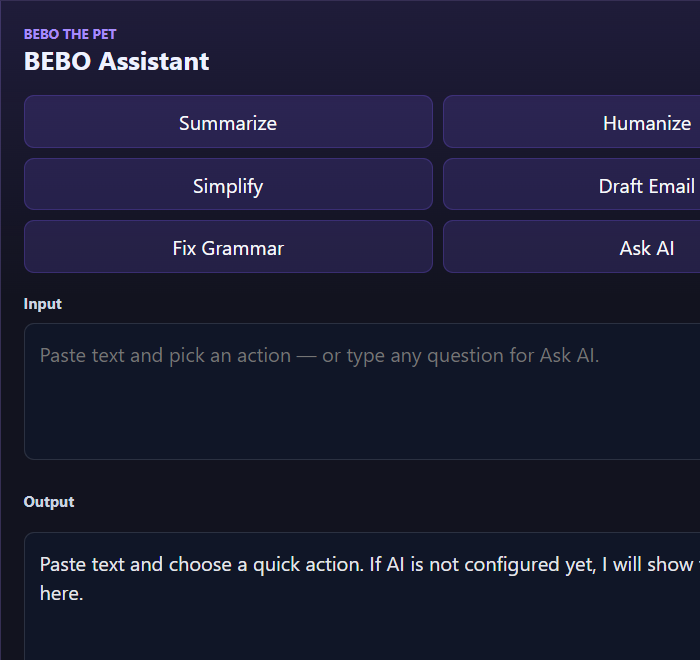
The BEBO Assistant panel opens right next to your robot — always in the right place, always the same size, always ready. No navigation. No menus. Just AI.
6 AI Functions
Every function powered by GPT-OSS 120B via Groq — with expert-grade prompt engineering baked in.
Condense any article, report, or email into key bullet points instantly.
Transform robotic AI text into warm, genuine human writing that sounds like you.
Make complex legal, technical, or academic text instantly clear and easy to read.
Write professional, ready-to-send emails from rough notes in seconds.
Fix all errors silently — spelling, punctuation, grammar — while preserving your voice.
Free-form prompt — ask anything, get expert-level answers without leaving your app.
All powered by GPT-OSS 120B · 1,000 free requests/day via Groq · Temperature-tuned per task for best output
New in 2.0
The biggest update yet — a new AI brain plus the most-requested quality-of-life features.
Every AI button has its own color — find the right action at a glance.
One click in the panel header switches the theme — your choice is remembered.
Change any global hotkey from the panel's settings — no config files needed.
Click the Input box, press Win + H, and dictate — Windows types what you speak.
Wake BEBO (Ctrl+Shift+W) and it appears on the monitor you're working on.
BEBO tells you right in the panel whenever a new version is released.
Plus: automatic backup AI model (GPT-OSS 20B) when the primary is busy · auto-start with Windows · free as always
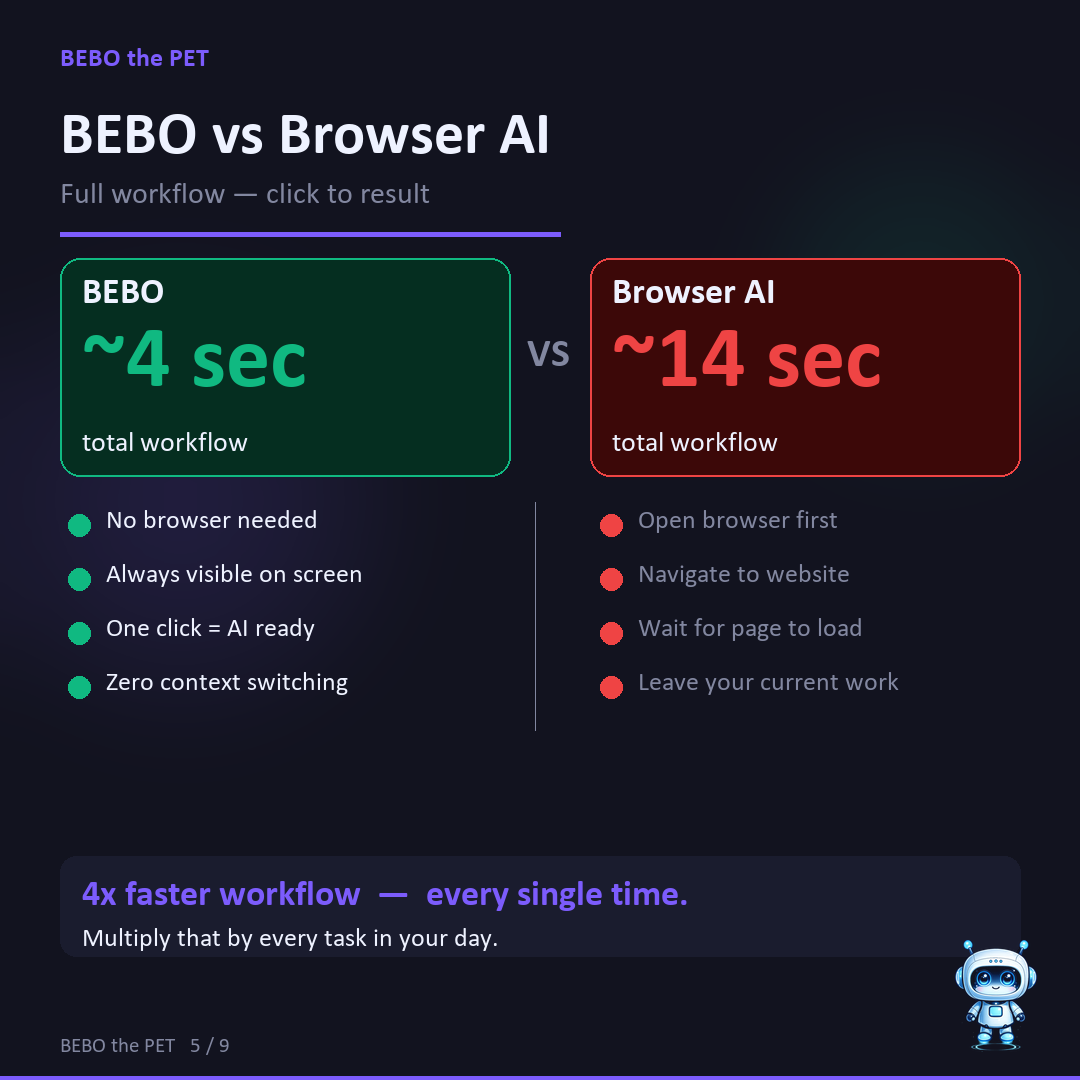
Speed Comparison
Total workflow time: from "I need AI" to "I have my result"
faster than any
browser AI tool
API Response Speed
| Model | Tokens / sec | 200-token task | Cost |
|---|---|---|---|
| BEBO (Groq + GPT-OSS 120B) | ~500 | 0.4–0.6s ★ | Free |
| Gemini 1.5 Flash | ~200 | 1.0–1.5s | Limited free |
| GPT-4o | 80–100 | 2.0–3.0s | Paid |
| Claude Sonnet | 80–100 | 2.0–3.0s | Paid |
Source: Groq published benchmarks · measured workflow timing (browser already open)
Keyboard Shortcuts
Global shortcuts work inside Excel, Word, browser — anywhere on Windows. New in 2.0: remap every shortcut from the panel's ⚙ settings.
Tech Stack
Free to run. No server. No cloud. Everything stays on your machine.
100% free to run · No subscription · No cloud storage · Your text is never stored
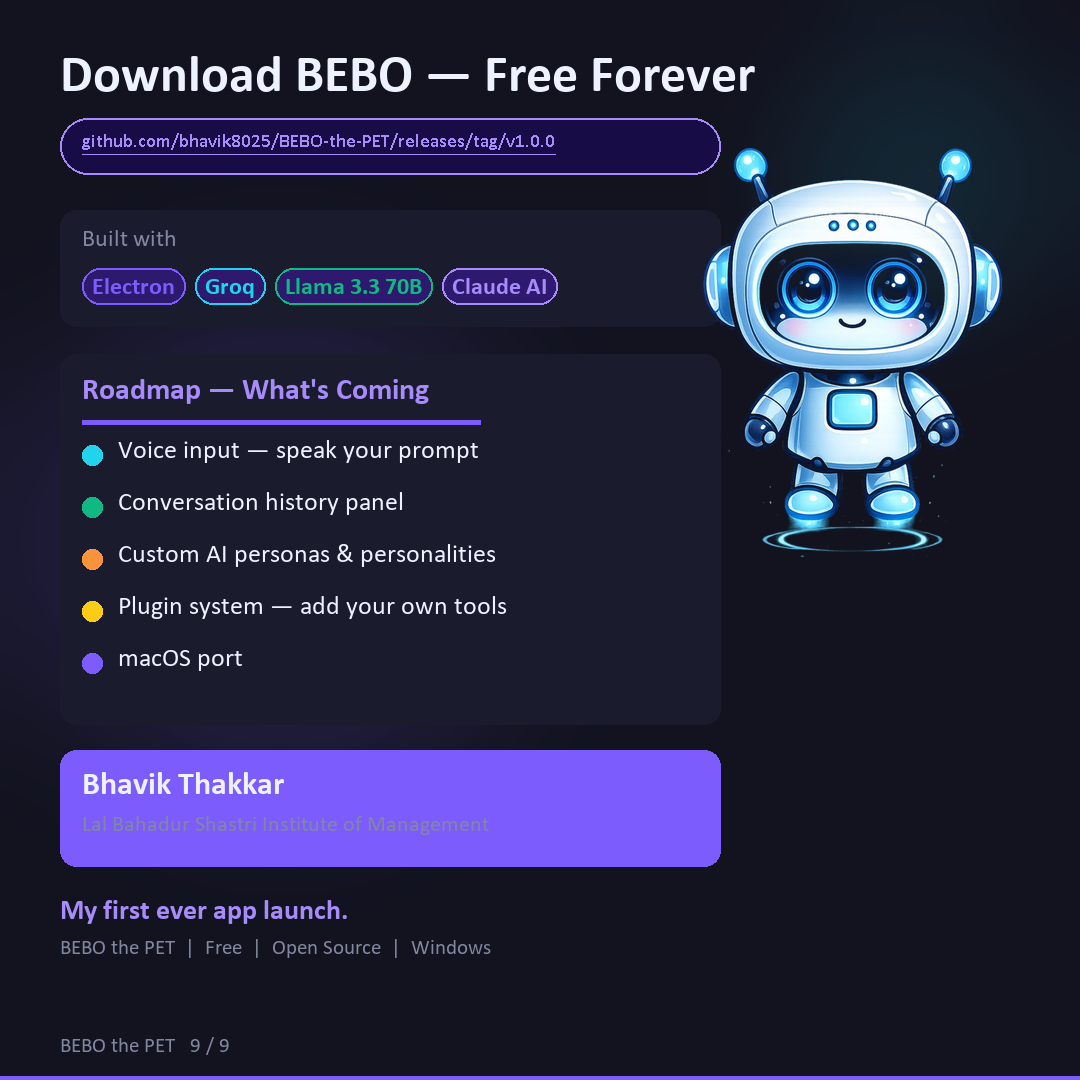
Download
Windows 10 & 11 · Installer + Portable EXE
LinkedIn Launch Carousel
The complete BEBO launch story — swipe through all slides.
← Scroll to see more slides · View on GitHub